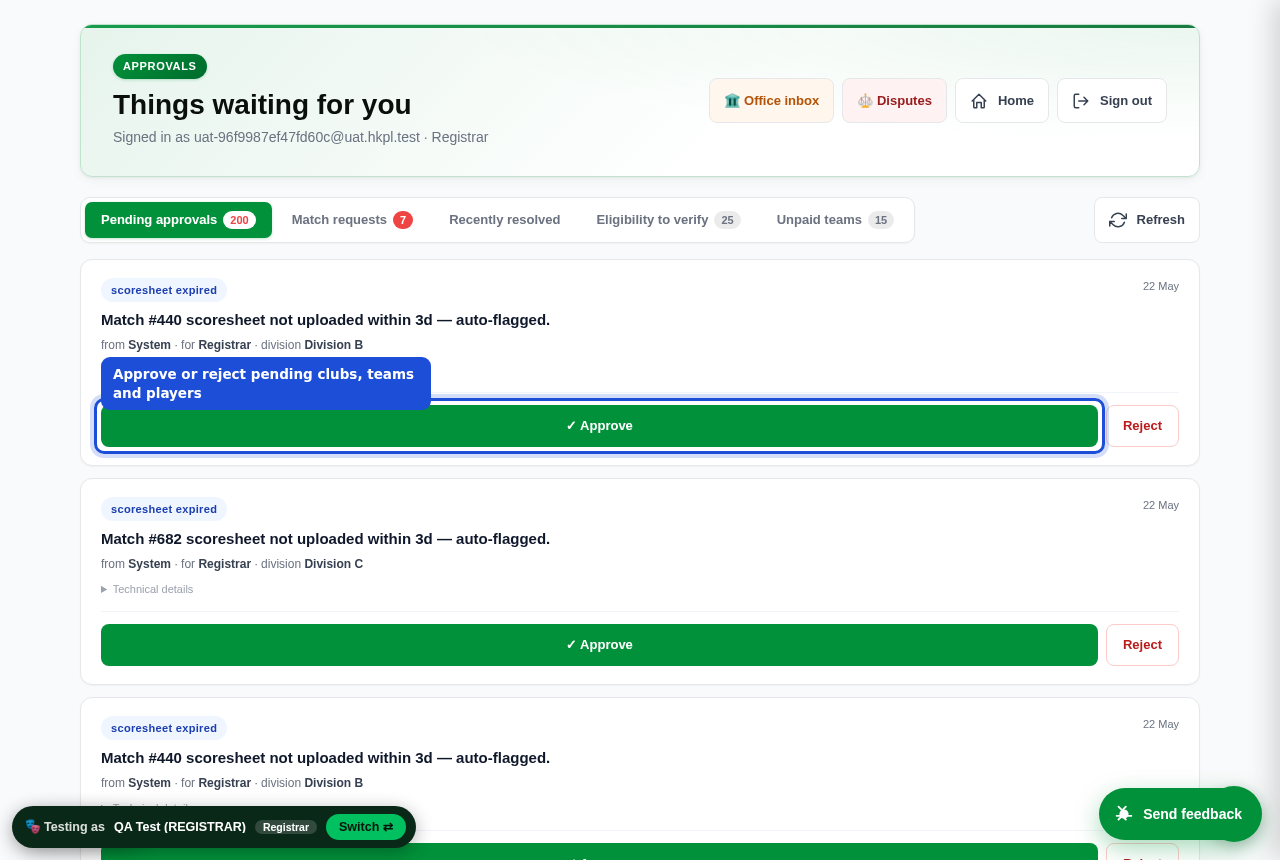
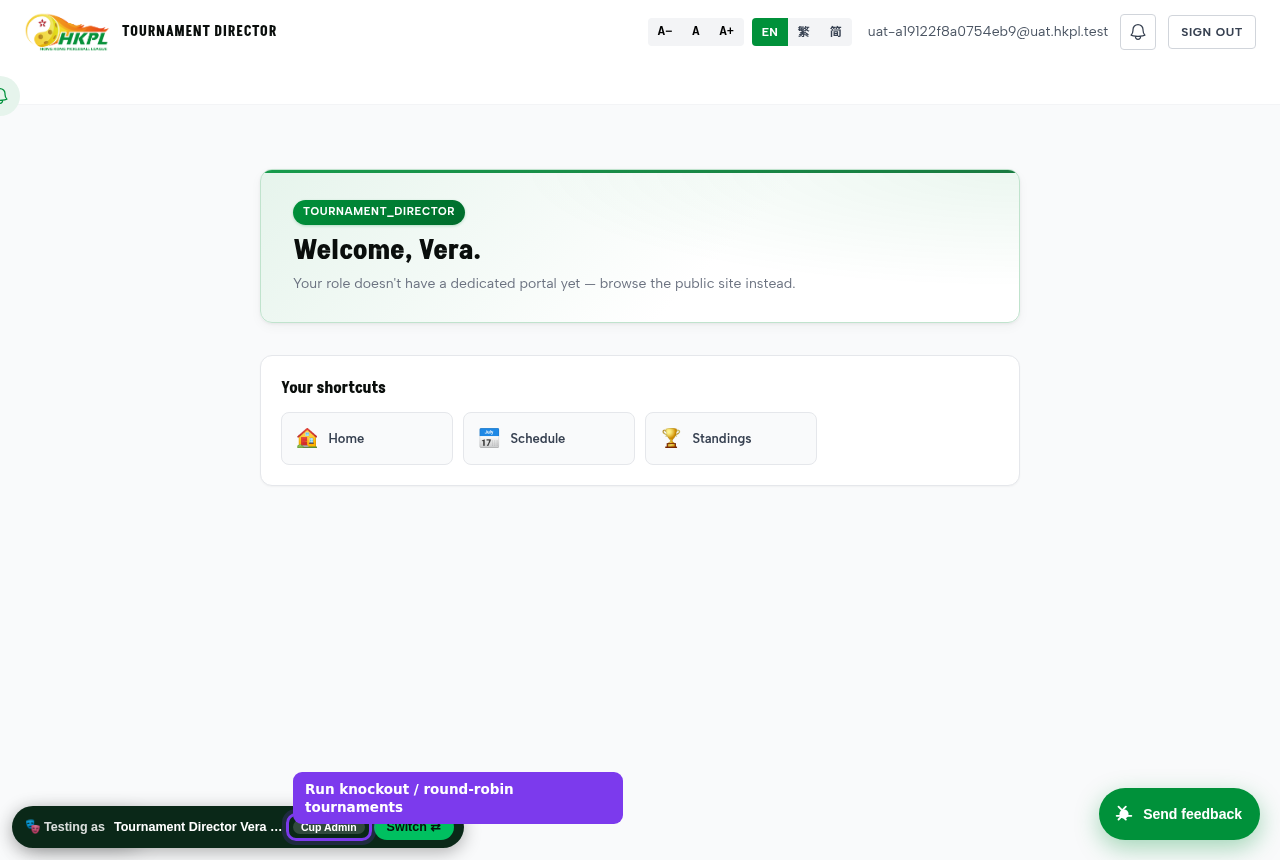
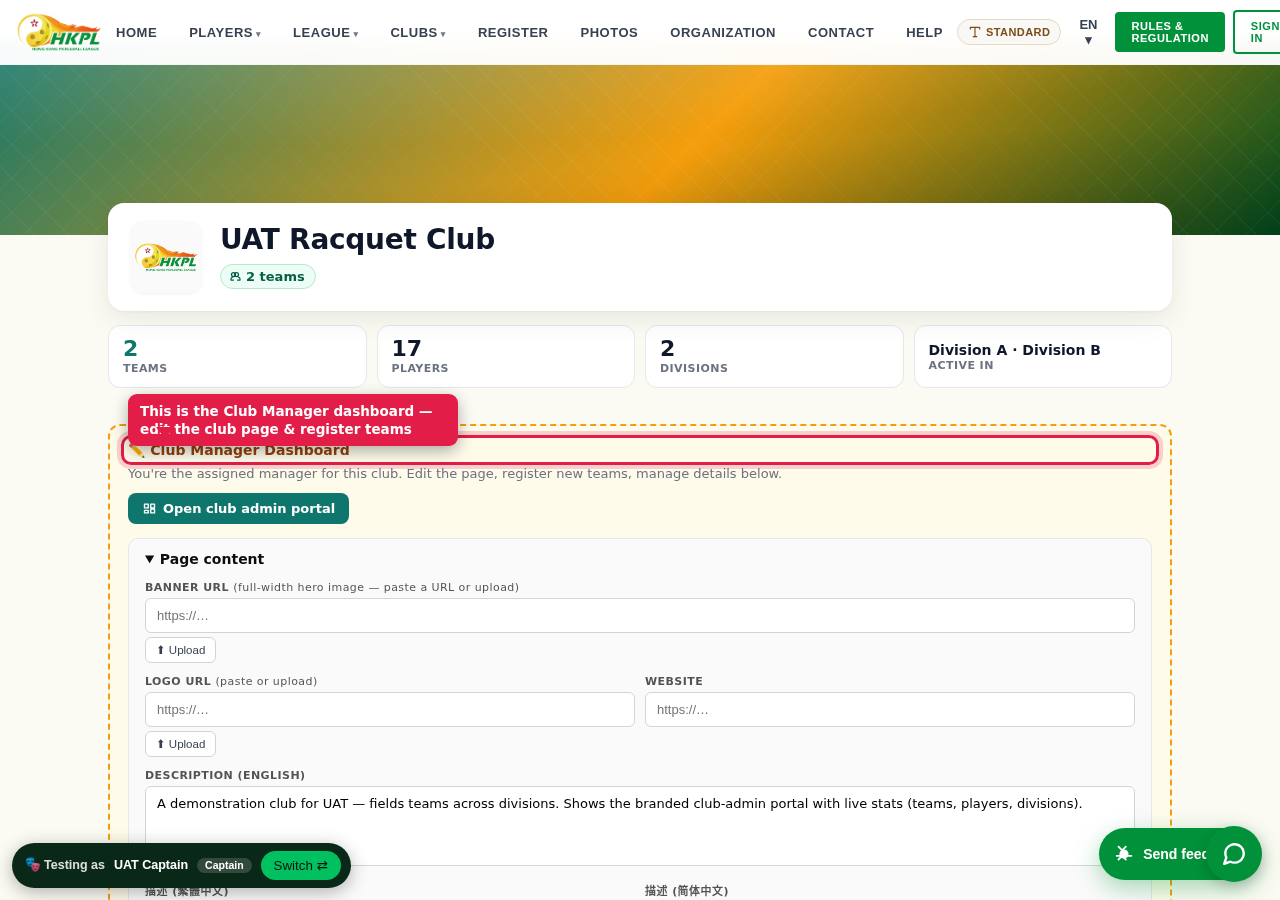
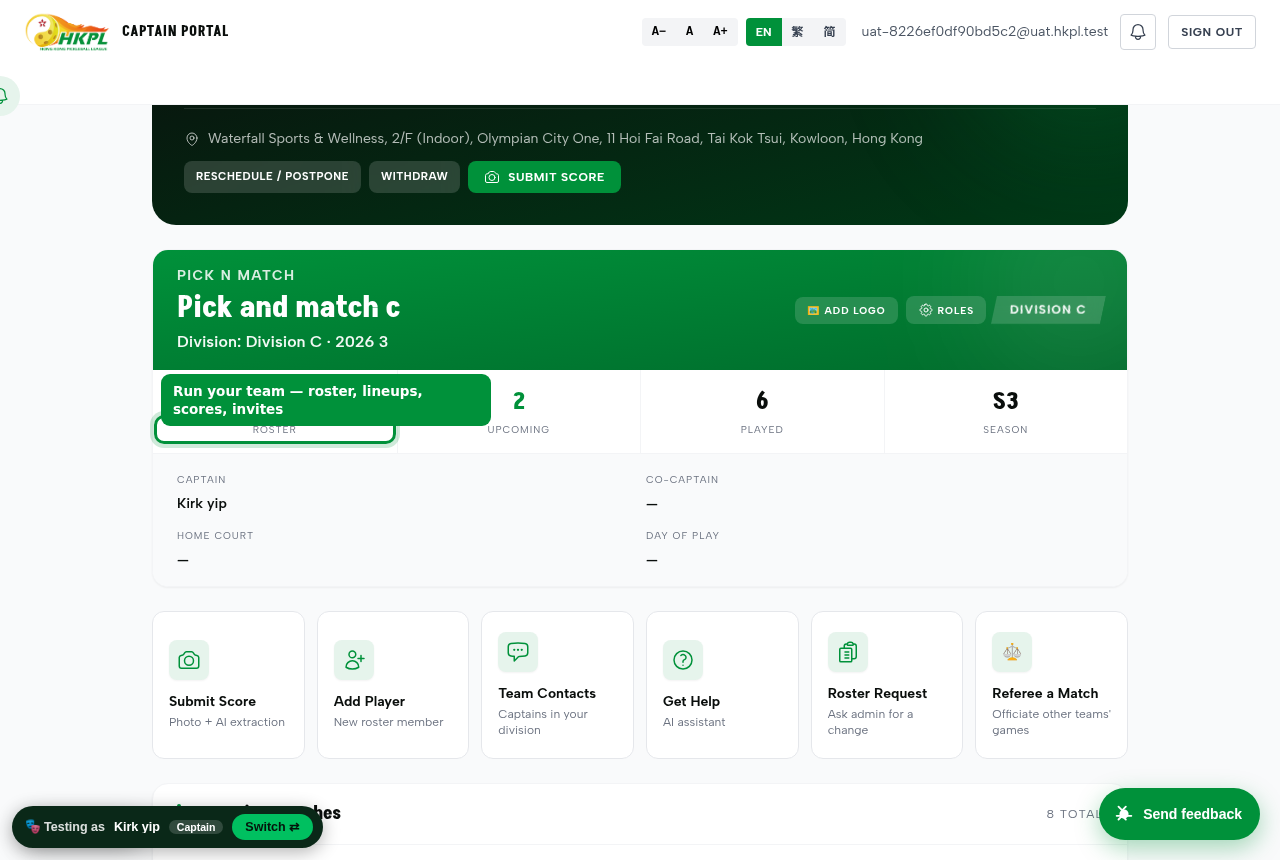
This is the complete, human step-by-step: set up a season, register clubs & teams, add players, play matches, submit & confirm scores, and watch the standings and DUPR move — as every role, on the safe sandbox. Every rule the rulebook is supposed to enforce is demonstrated here, both the ways it lets you through (happy path) and the ways it stops you (unhappy path).
You are testing on uat.silkvo.com — a full clone of the real HKPL league, but caged so nothing escapes. The production league is hkpl.silkvo.com. Same code, same rules, same screens — the only differences are what reaches the outside world.
What
Sandbox — uat.silkvo.com
Production — hkpl.silkvo.com
Real email
Suppressed (caged) — invitations & notices are generated and logged, never sent. You confirm invites in-app, no inbox needed.
Real email is sent to real inboxes.
SMS / WhatsApp
Suppressed (caged).
Real messages sent.
DUPR writes (submit a match rating)
Suppressed → the match is marked submitted (sandbox); nothing is written to DUPR's servers.
Written to the real DUPR Partner API — the players' official ratings move.
DUPR reads (look up a rating)
Real reads against the DUPR sandbox for consented test players.
Real reads for real players.
One-click role login (/qa.html)
Enabled — sign in as any role without an account.
Disabled — everyone uses real magic-link / SMS sign-in.
Data
Dummy: "UAT Player P001…P057", teams "UAT A-1", 3 divisions. Wipeable.
The real 1,833 members / 191 teams.
Why this matters: you can do anything here — add ineligible players, reject registrations, submit lop-sided scores — and no real person is emailed and no real DUPR rating is touched. Test fearlessly. When we go live, the exact same buttons do the real thing.
1Stand in anyone's shoes — no accounts needed
The single most important testing tool. You never need an email account or password to test a role. A person has one real role in the league — to see the app as someone else, you don't change their role, you step into their shoes.
A · One-click role picker
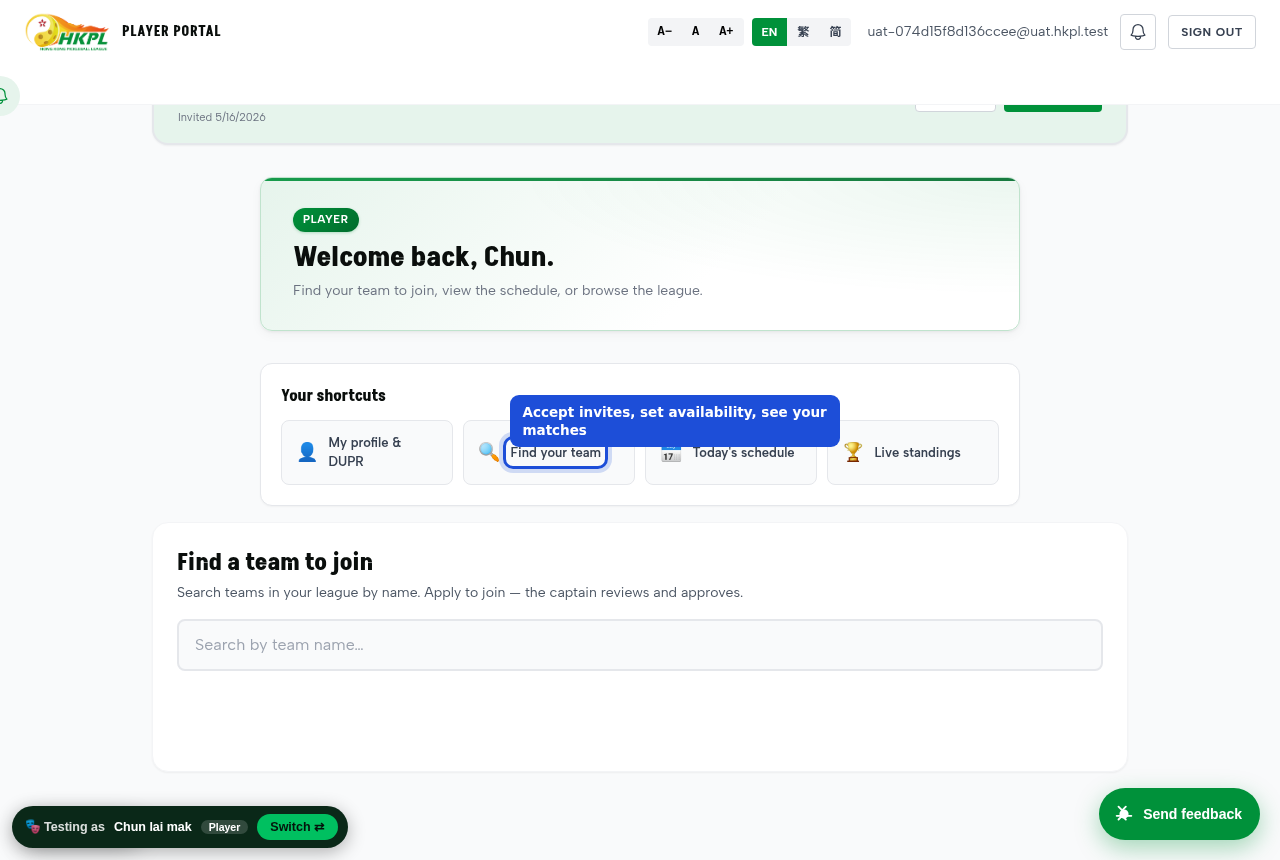
Open /qa.html → tap any of the 11 role cards → you are instantly signed in as a ready-made person in that role, on a real team with real fixtures.
Tap "Switch persona" (top bar) any time to jump to another role in the same browser. No sign-out dance.
B · Sign in as a specific real person
On /qa.html use the "sign in as any user" search — type a name / email, and you become that exact person (their team, their pending items, their view). This is the "impersonate" tool.
Great for reproducing "it doesn't work for player X" — become player X and see exactly what they see.
In production this is off. The one-click login is a sandbox-only affordance. On the live league everyone signs in with their own magic-link / phone. Impersonation there is a restricted SUPER_ADMIN power, fully audit-logged.
Do this as the League Admin in /admin.html. The order matters — each step feeds the next.
Preparing a real new season? There's a dedicated, detailed from-scratch runbook — season → divisions → rulebook → clubs → teams → players → schedule → open, with a pre-flight checklist: New Season Setup →
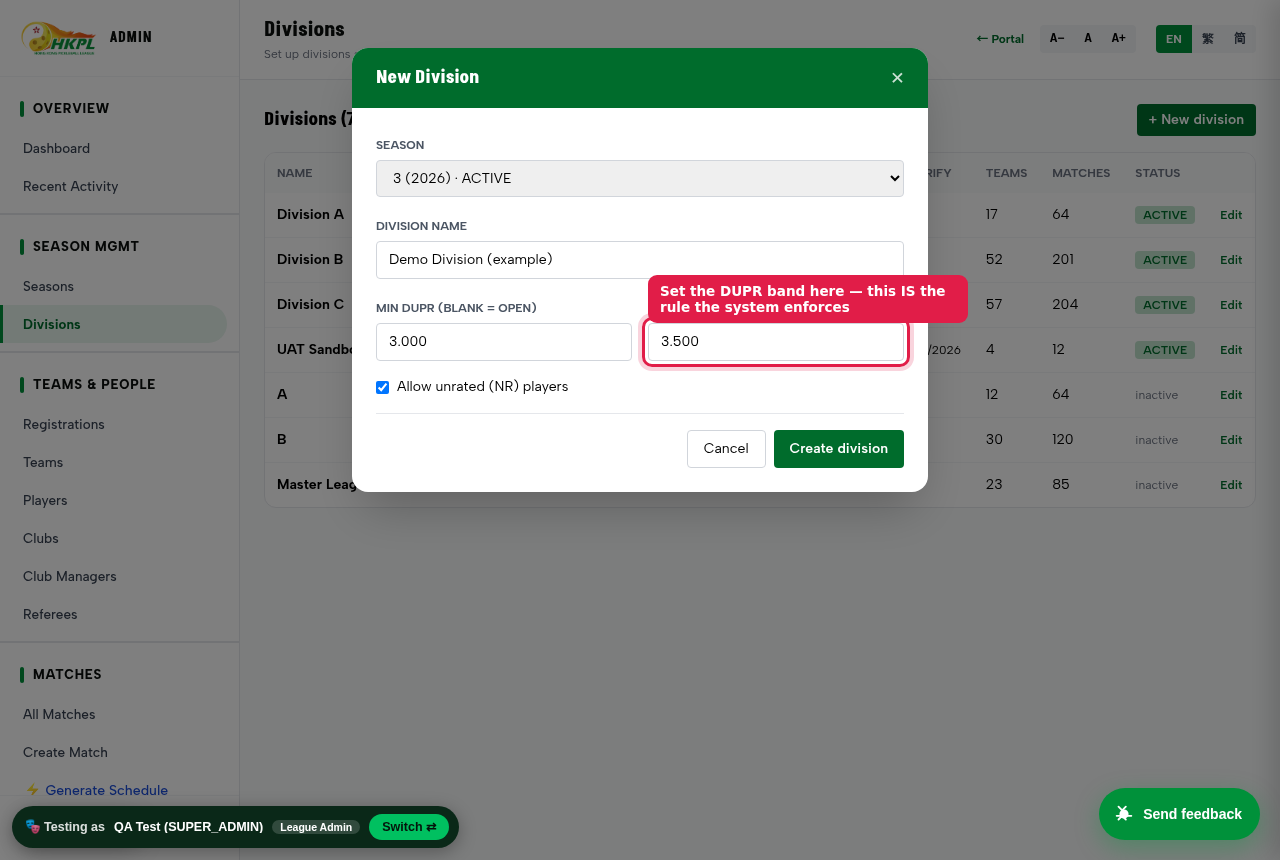
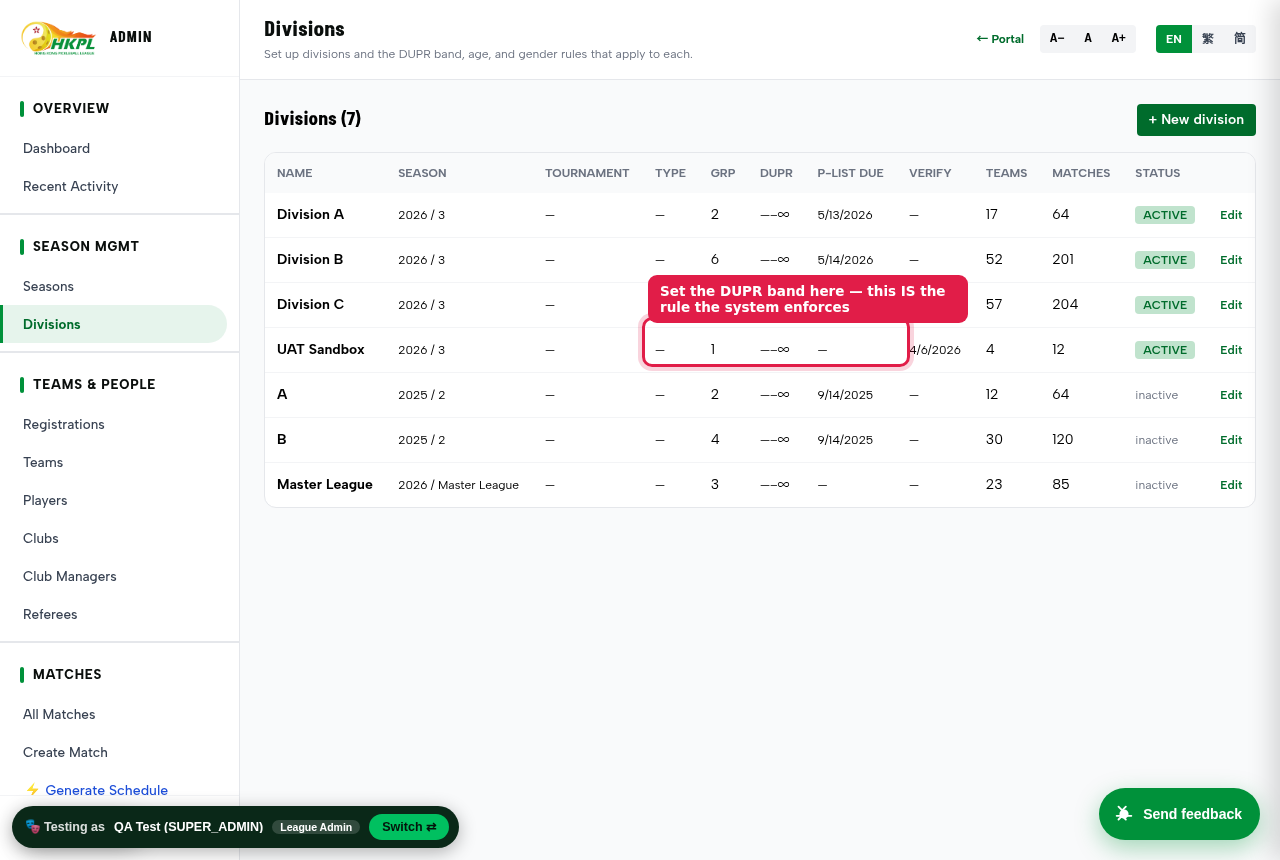
Real screenshot. A test robot created this division on the sandbox — the arrow marks the DUPR band, which becomes the enforced rule.It's really there — the created division now sits in the live Divisions list.
1
Create a Season.Admin → Seasons → + New season. A season is the container for everything. Mark one season "current".
2
Create Divisions — this is where you write the rulebook.Admin → Divisions. For each division set its DUPR band (min / max rating), roster limits, and gender rules. These values ARE the rules the engine enforces — e.g. Division B = 3.000–3.699. (Details in §3.)
3
Register Clubs. Two ways: a club self-registers on /register.html (with a payment receipt) and the Registrar approves it; or the admin adds one directly in Admin → Clubs. Assign a Club Manager so someone can run that club's page + teams.
4
Register Teams into a division. A Club Manager registers a team from the club page (/club.html → "Register a new team", with a receipt), or the admin adds one. The team is placed in a division — that fixes which rulebook applies to its roster.
5
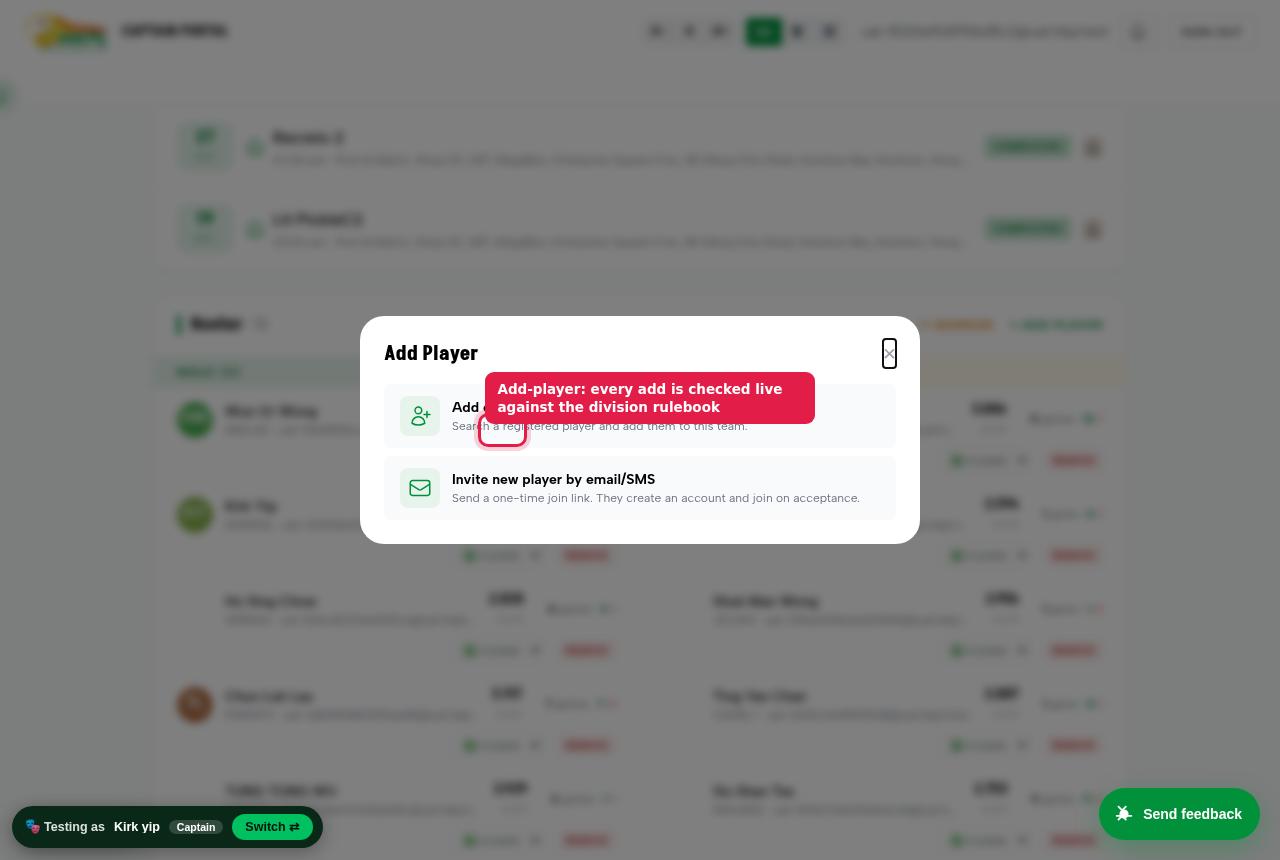
Add Players to each team's roster. The captain uses Add Player in /app.html. Every add is checked against the division's rulebook (band, roster cap, one-team-per-season). An ineligible player is refused with the reason (§3).
6
Generate the schedule.Admin → ⚡ Generate Schedule builds the round-robin fixtures. Capacity = match-days × slots × courts — increase these if it says "N matches couldn't be placed".
Committee shortcut: the sandbox already ships with 3 divisions, clubs, ~30 teams, ~57 players and a full fixture list — so you can skip straight to playing and testing. Use §2 when you want to prove the from-scratch setup works.
3The rulebook — and proof it guards
The rulebook isn't a PDF nobody reads — it's a set of rules the system enforces the moment someone tries to break them. Rules are defined per division and each carries a severity: block = refuse, warn = allow but flag, info = note only.
What's enforced today (live on the sandbox)
These are the rules the cloned HKPL rulebook runs on every player add right now — verified firing on the sandbox. Each division can tune the numbers and set a rule to block / warn / off.
Rule
Where it applies
Severity
One team per season — a player can't be on two teams in the same season
All divisions
block
Player registration deadline — no new players after the cut-off date
Score format — game sequence LD/MD/MIX, points to 21
On score submit
block
DUPR rating band — rating must sit inside the division's min–max
Supported — set a division band + switch on
optional
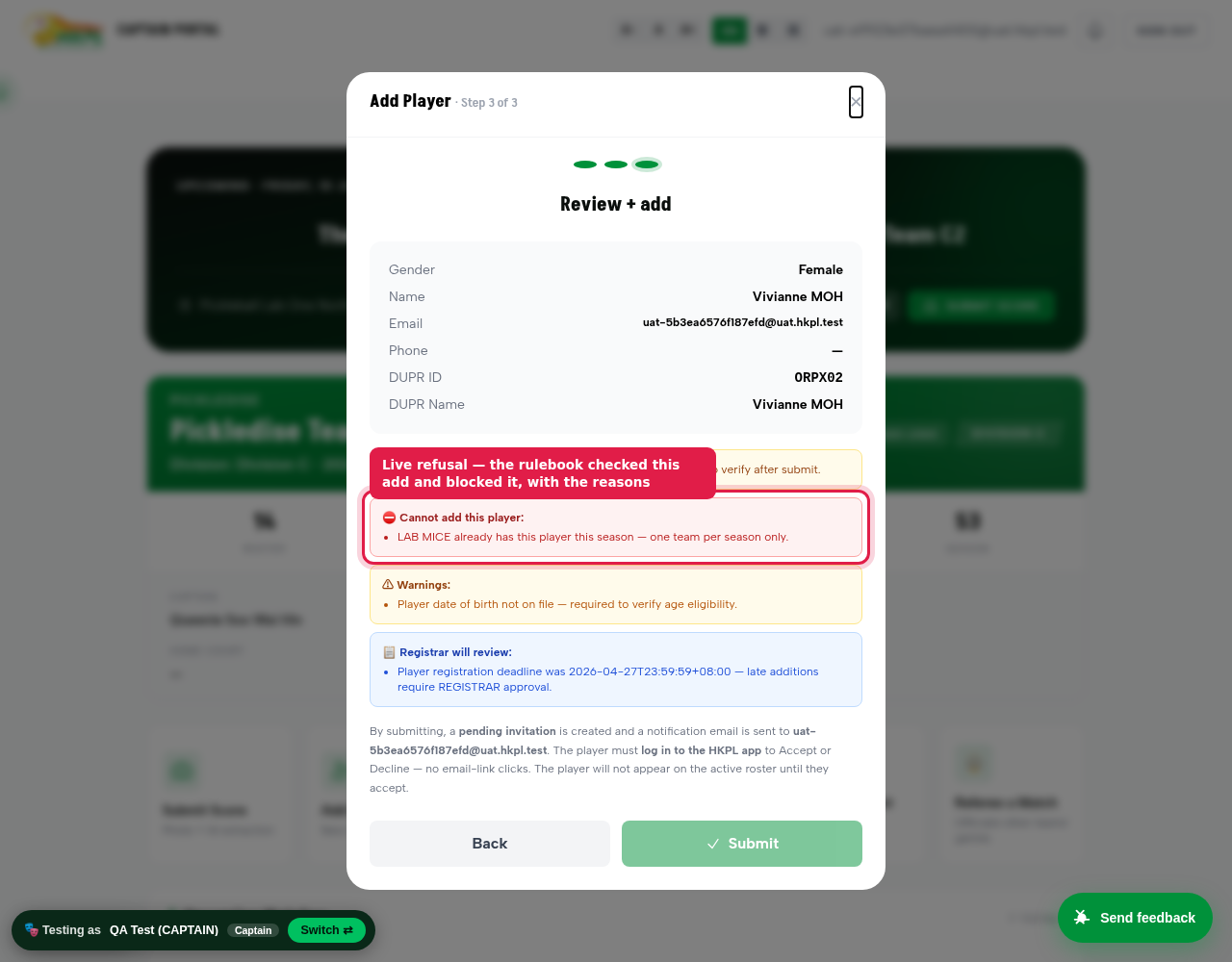
Proven live (do it yourself): sign in as a Captain, open Add Player, pick a player who's already on a team this season, and step through to Review. You'll be refused with: Cannot add this player — already has this player this season, one team per season only.
The same review also flags the age check and the registration deadline, and disables Submit. Every one of those comes straight from the division's rulebook, not a hardcoded list. The DUPR rating band works the exact same way once you set a division's band and switch its rule on.
Real screenshot — the captain's Add Player dialog. Every add is checked against the division rulebook: roster cap, one-team-per-season, deadline, age and more.The refusal, live. The Add-Player review runs every add through the rulebook — here it's blocked ("one team per season"), with the age check and registration deadline flagged and Submit disabled. The real app response, not a mock.
Every door is guarded
There are several ways a player can land on a roster, and all of them ask the rulebook first: the captain's Add-Player wizard, approving a player's join-request, accepting a team invitation, and borrowing a player from a sibling team. If the engine ever errors, the action is refused (fail-closed) rather than let through.
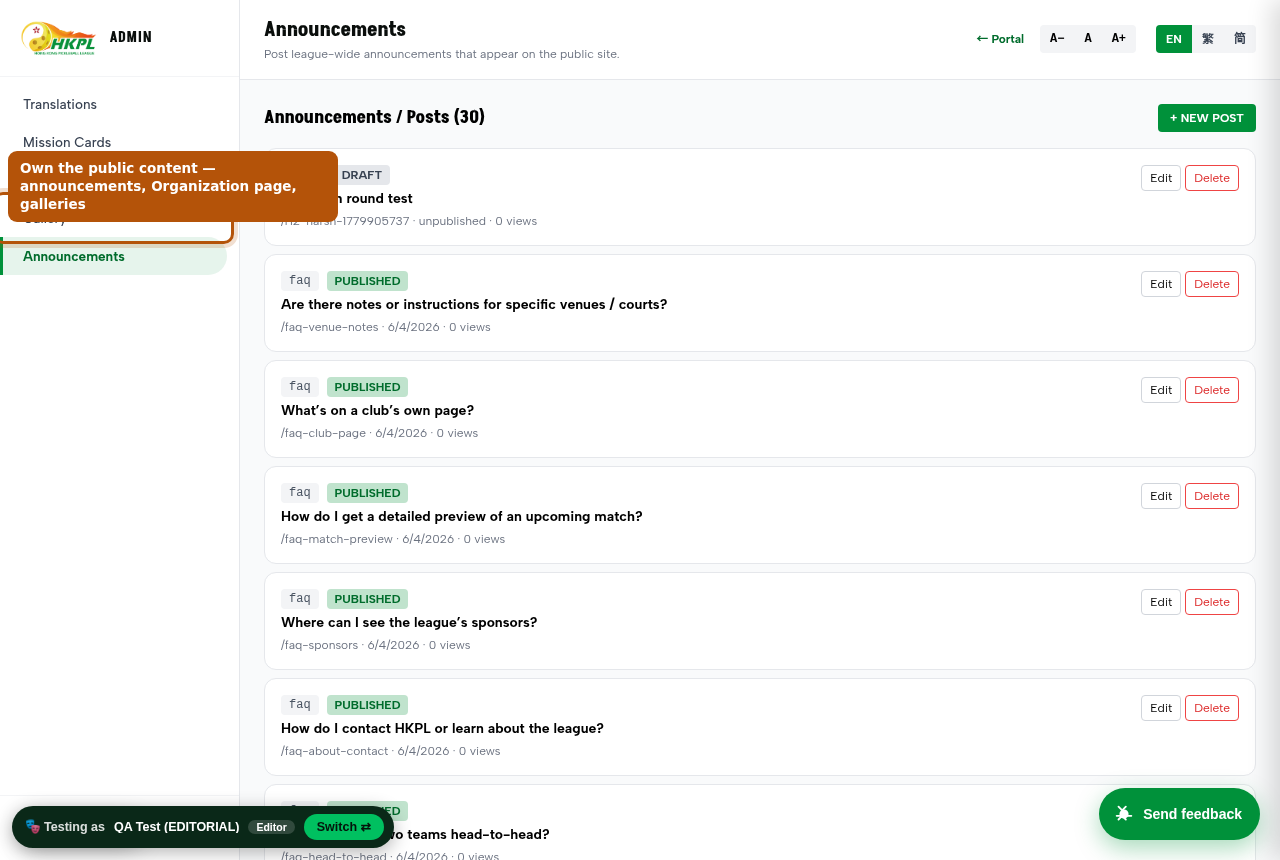
By design, an admin can override. A League Admin / Platform Owner adding a player directly, or a Registrar approving a held item, can knowingly accept an exception — because sometimes the human needs to. Those overrides are audit-logged.
4Run a match — the full lifecycle
This is the heartbeat of the league. Follow it once end-to-end and you understand 80% of the product. Each step names who does it and where.
1
Fixture exists. The schedule put two teams against each other on a date/court. Everyone sees it on /schedule.html and on each captain's /app.html.
2
Both captains set their lineup./app.html → the match → Plan Lineup. The rulebook checks each slot (gender per game, no same player twice, play-up limits).
3
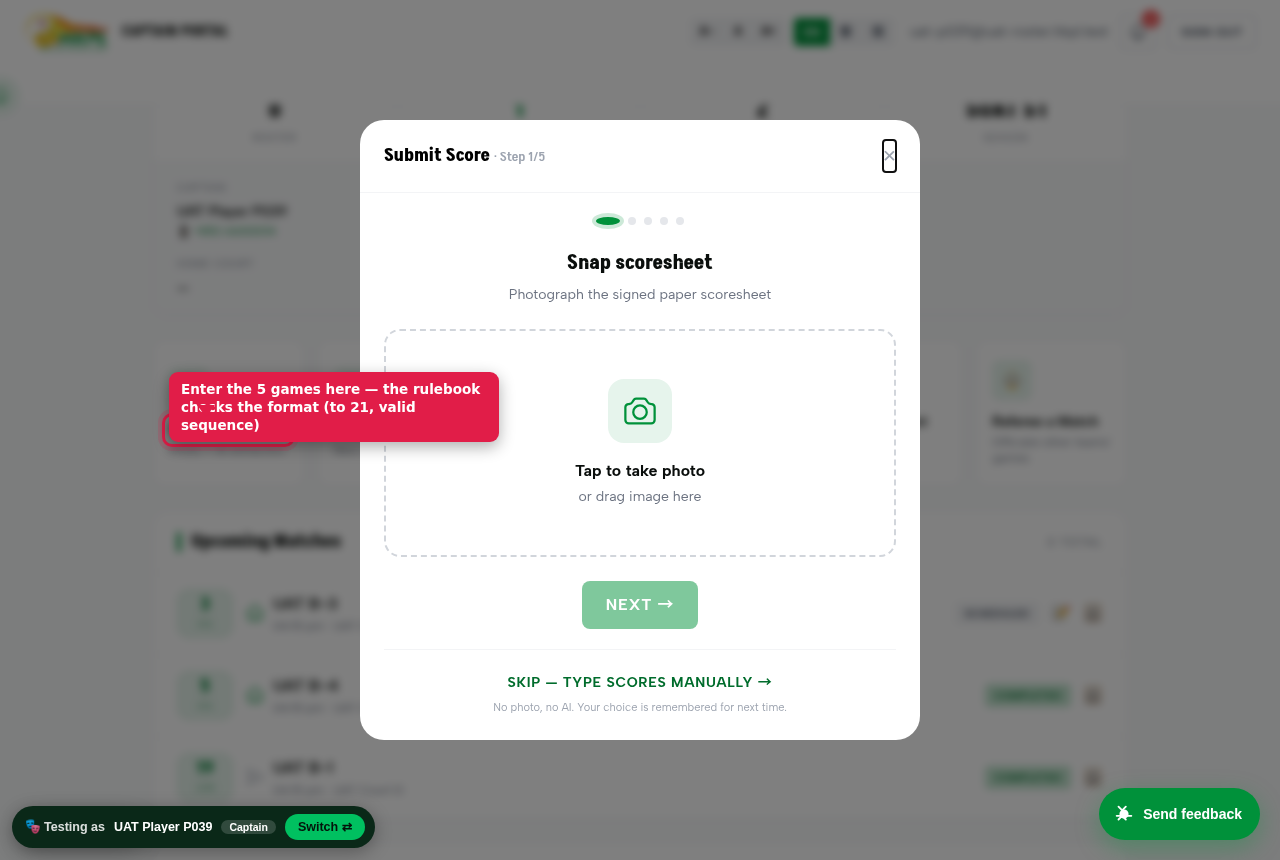
Play, then submit the score. The home captain enters the 5 games (LD, MD, MIX1-3) in the Submit Score wizard by hand (manual entry — the higher-integrity path we standardised on). The rulebook checks the format (to 21, valid sequence).
4
Both captains co-sign. The opponent captain gets an "Action needed — review & confirm the score" banner on their /app.html. Once both sign, the result is final.
5
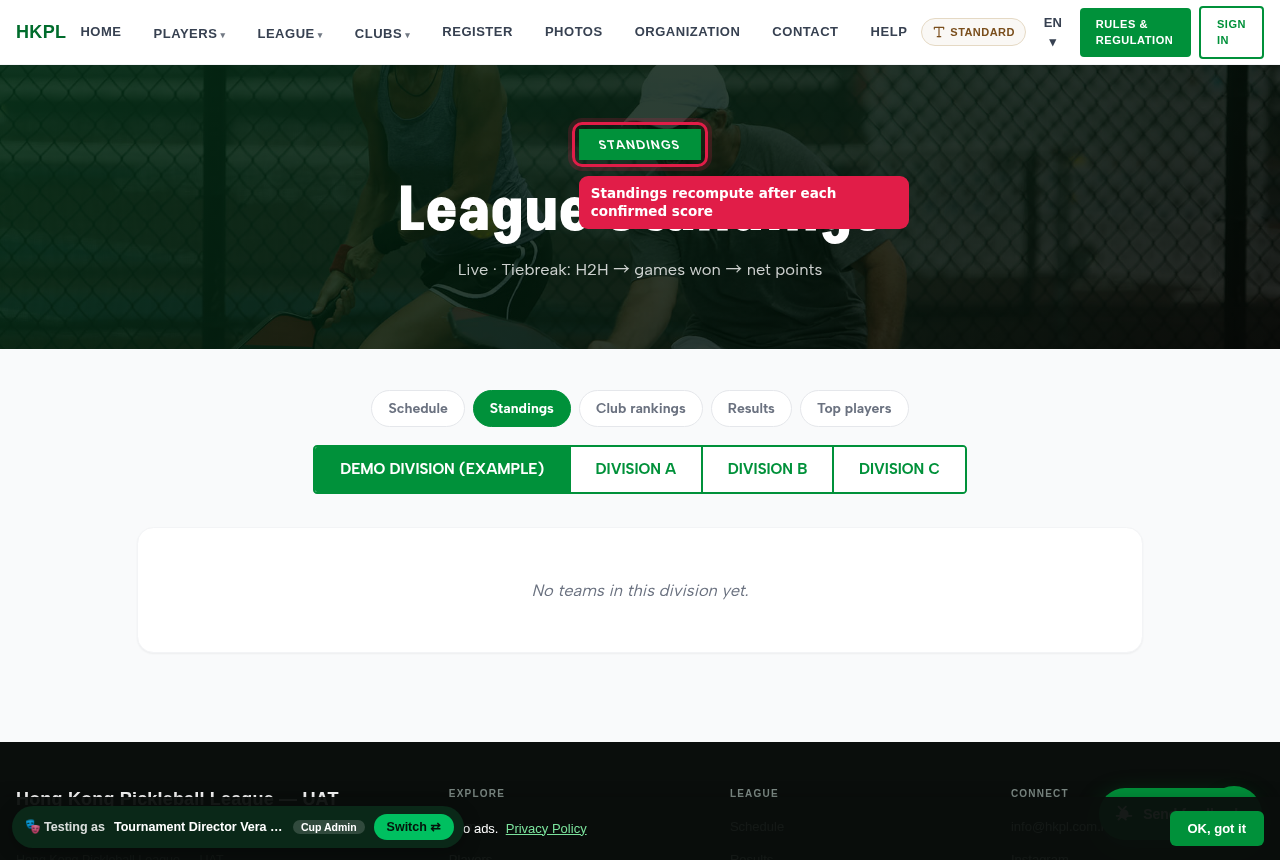
It records everywhere + queues to DUPR. Standings recompute, the result shows on Results/History/team pages, and the match is enqueued to DUPR (real write on live; suppressed on sandbox).
6
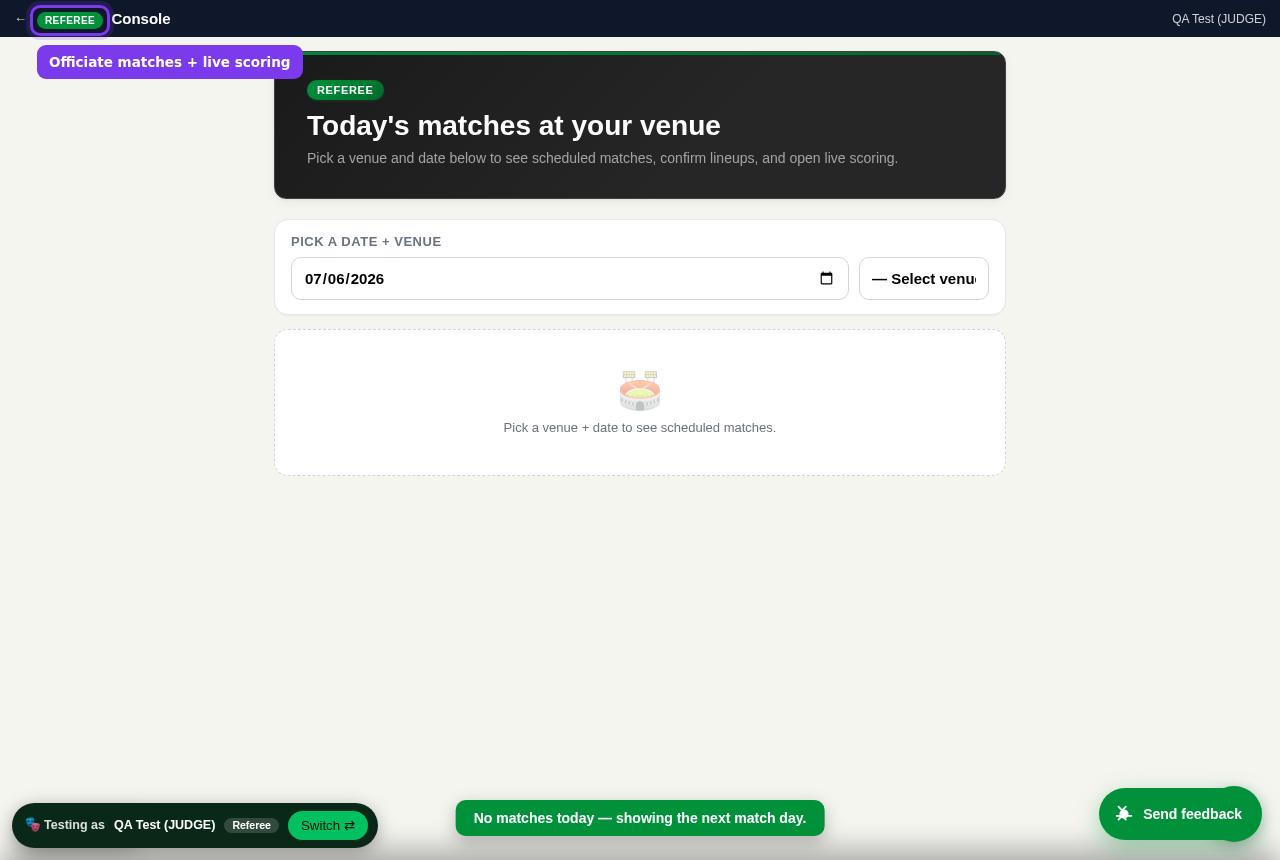
Disputes & referees. If a captain disagrees, they raise a dispute → it lands in the League Admin's dispute queue (with a dashboard alert). A Referee can officiate live scoring from /referee.html.
One action, many screens. "Submit & confirm a score" is the best thing to trace — it touches ~6 pages. See exactly what changes where in §6.
Real screenshot — the captain's Submit Score wizard (manual score entry). The rulebook checks the format.Real screenshot — Standings, which recompute after each confirmed score.
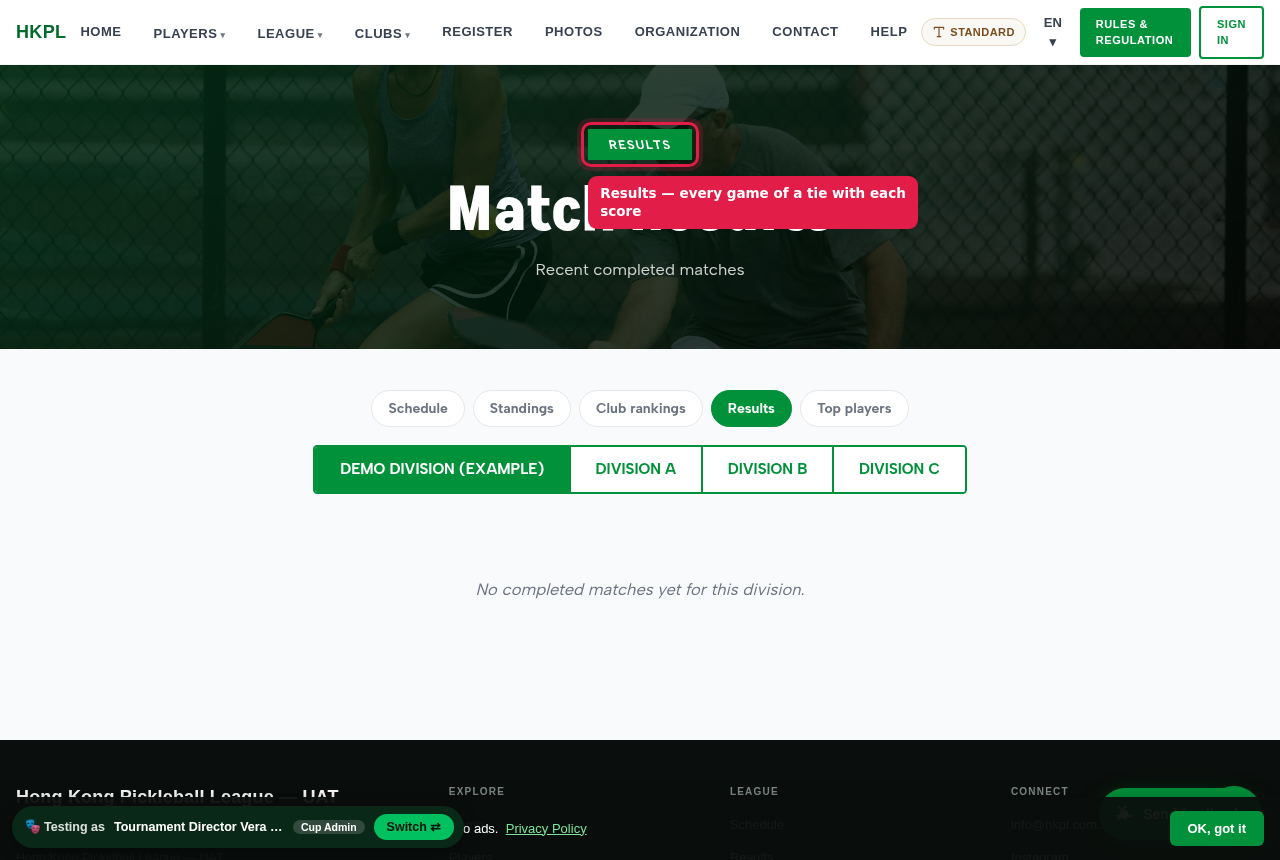
Real screenshot — Results showing every game of a tie (LD, MD, MIX) with each score.
5Every role, end to end
For each role: tap the green button to become that person, then run the happy path, try the unhappy path (what it should refuse), and verify where the change appears.
Runs one club's public page + registers its teams. Portal: /club.html (with a Club Manager dashboard).
Happy path
Edit the club page — banner, logo, colours (live preview), description, sponsors, sections show/hide.
Register a new team (with receipt) into a division.
"+ Add player" jumps you into the roster wizard.
Should refuse / guard
Save with a bad website (www.x.com) or a logo-only sponsor → a plain error ("Website must be a full link…"), not raw code. (It also auto-fixes a bare link.)
Register a team without a receipt → blocked.
Verify Club page reflects your edits immediately; the new team shows once the Registrar approves it.
Runs one team. Portal: /app.html. The busiest role — do this one thoroughly.
Happy path
Add a player (in-band) → invitation created → they Accept in-app.
Plan a lineup for the next match.
Submit a score (manual entry); co-sign the opponent's submission.
Borrow a player from a sibling club team.
See partner-synergy + head-to-head stats; captain/co-captain mobiles show as tap-to-call.
Should refuse / guard
Add an already-rostered / past-deadline / 21st player → refused with the reason.
Submit a tied match (no winner) → refused.
You can't plan the opponent's lineup.
Verify New player shows as "pending invite" then active on accept; a submitted score shows "awaiting confirmation" then reaches Results + standings once co-signed.
Real screenshot — the Captain portal (roster, matches, quick actions).
Badge count increments; item in the dispute panel.
Edit the club page
Club Manager
/club.html (that club) · Clubs list card
Banner/logo/colours/sponsors update on save.
Reschedule a match
Captain → Div Rep
/schedule.html · both /app.html match cards
Date/court updates once the rep responds.
Broadcast a notice
Admin
In-app notification bell · (live: email/SMS/push)
Bell badge increments for recipients.
Log a social game + submit to DUPR
Admin
/social-games.html · DUPR queue
Row shows "submitted (sandbox)"; on live it writes DUPR.
7The DUPR health board — what's really tested, live
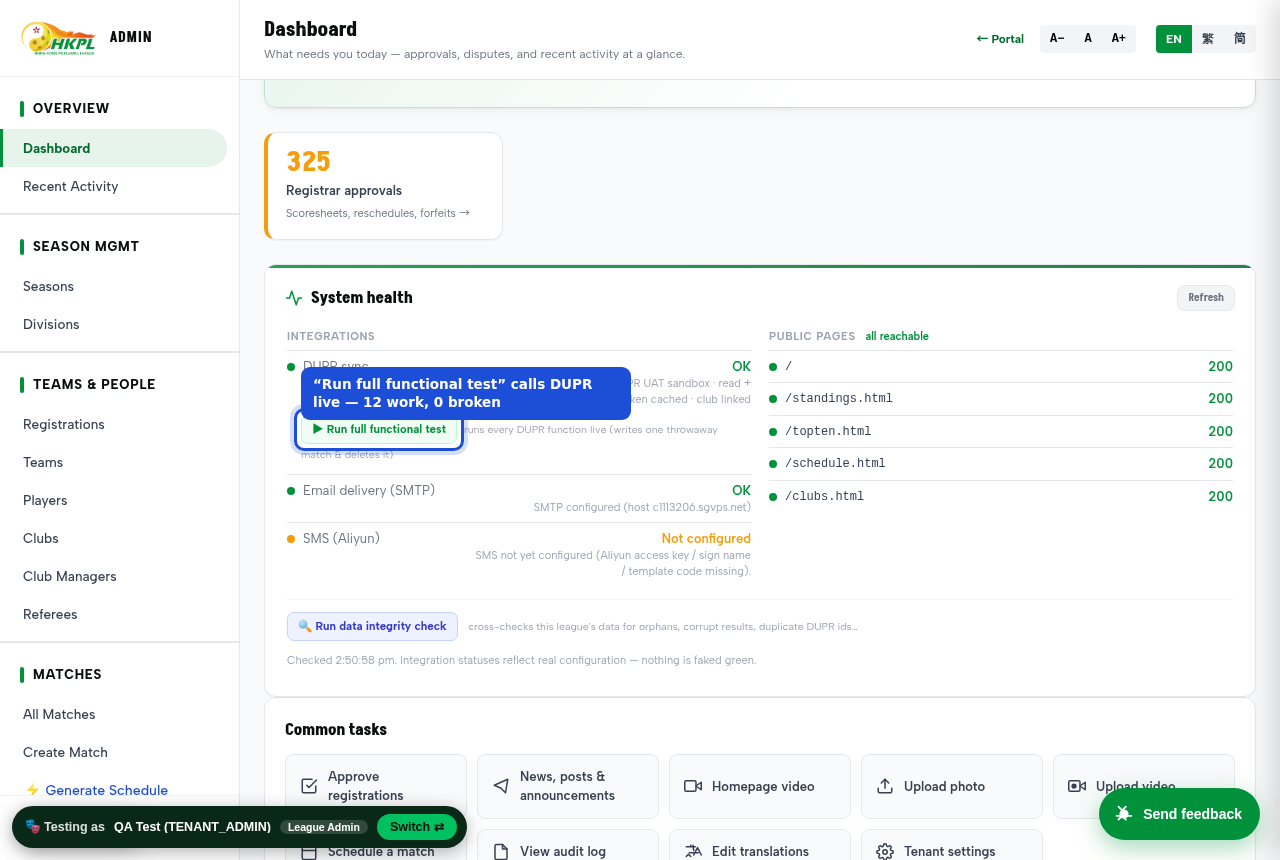
Who sees it: the League Admin, on the /admin.html health card. It's not a status light that says "probably fine" — the "Full run" button actually calls the DUPR Partner API and reports each function pass/fail.
What "Full run" actually does
Authenticates and gets a live bearer token from DUPR.
Reads ratings for the consented sandbox players.
Creates a real match on DUPR (sandbox), views it back, then deletes it — a genuine write round-trip, self-cleaning.
Exercises the write surface honestly: invite-user comes back not-granted on our current key, provisional-rating is reachable but not exercised — the board shows the real permission, not a false green.
How to read it
Last run:10 work · 1 reachable · 3 not-granted (by design) · 0 broken.
"Works" = live green. "Not granted / 403 by design" = functions our partner tier intentionally doesn't expose (e.g. calculated-stats) — expected, not a failure. "Broken" = anything red needs attention. Today: none.
Consent-gated by design: the Partner API reads/writes only for players who've done "Login with DUPR" and consented — that IS how a player gets onto DUPR (there is no bulk API-invite on our current key; each player self-links once). Arbitrary players return 403 until they consent — DUPR's rule, not a bug. On the sandbox we have 4 consented test players that exercise the full write path. After a match completes, click the green "✓ DUPR" button on Admin → Matches to see DUPR's OWN record of that match plus the players' live ratings, read straight from DUPR — no DUPR login needed. Players see their full history in the DUPR app itself.
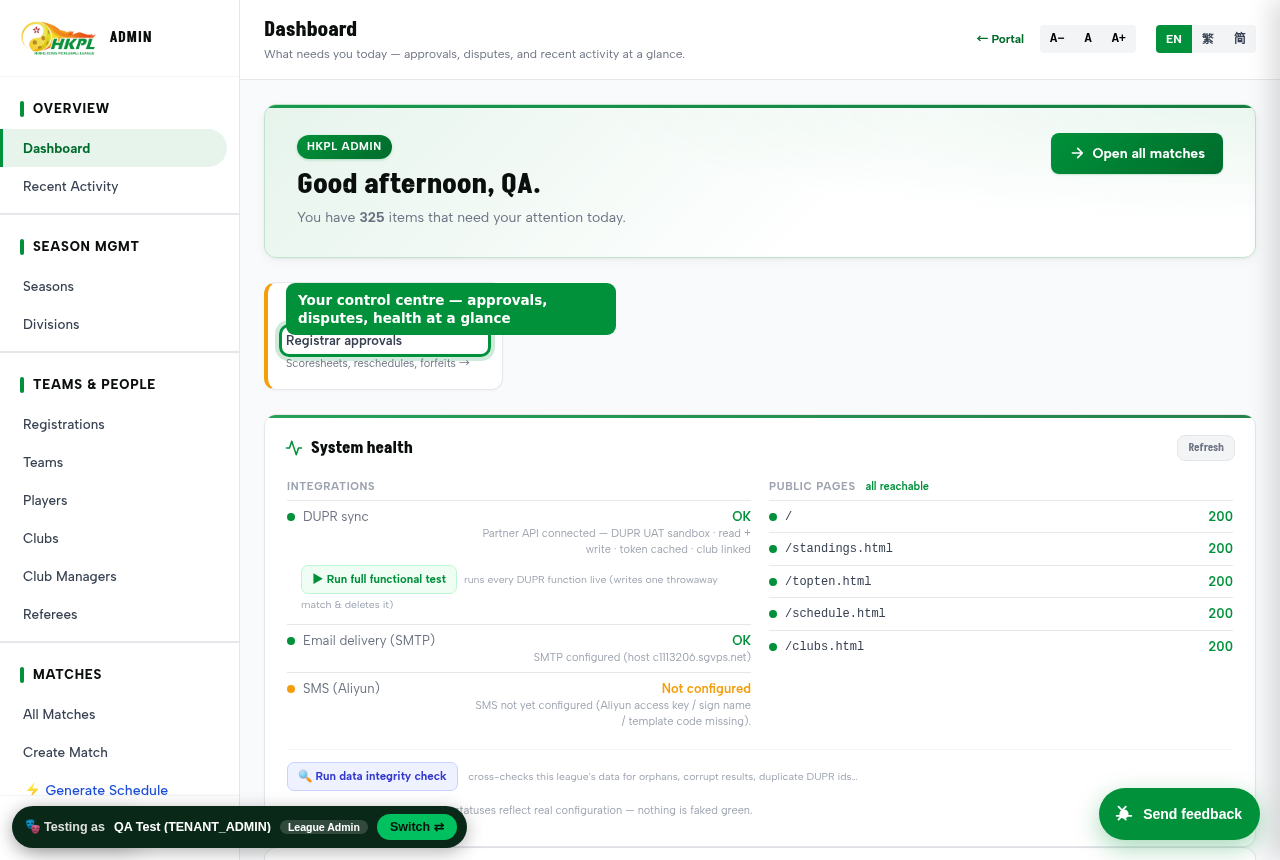
Real screenshot of the admin health card — DUPR "Partner API connected · read+write", the "Run full functional test" button, and honest statuses. "Nothing is faked green."
8The integrity checker
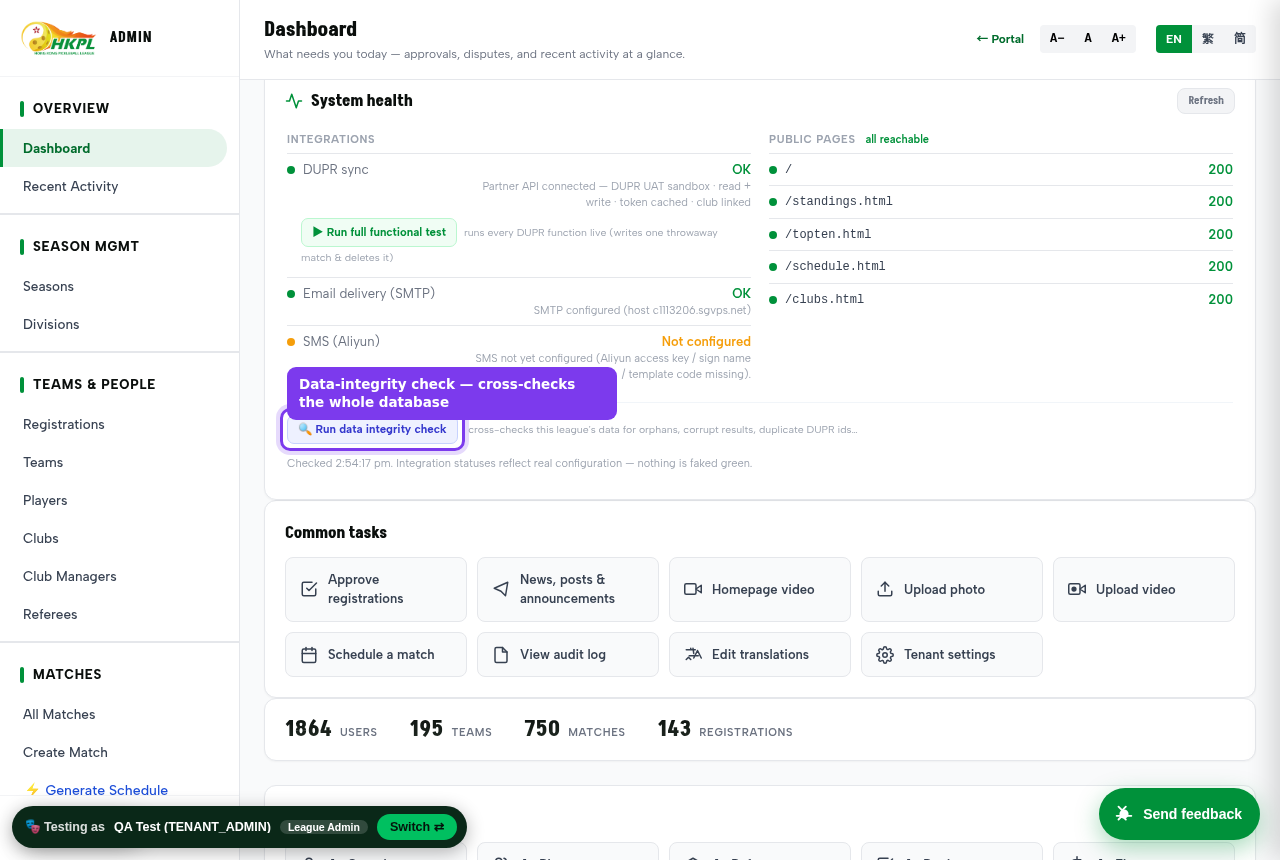
Who sees it: the League Admin, on the /admin.html health card → "Run integrity check". It cross-checks the whole database for contradictions that shouldn't exist.
12 read-only checks: teams with no captain, orphaned rosters, teams whose division was deleted, clubs with a dangling manager, duplicate DUPR ids, a match won by a team that didn't play in it, a team playing itself, completed matches with no games or no winner, stranded pending approvals, and more. Last run: 0 errors, 0 warnings — clean. Run it after you've been testing to confirm nothing you did left the data inconsistent.
Real screenshot — the integrity check button on the admin health card. It cross-checks the whole database for contradictions.
9The unhappy paths — everything that should say "no"
A league app is only trustworthy if it refuses the wrong thing. Try each — the system should stop you with a clear reason.
Try this
Expected result
Add a player already on another team this season
Refused — one team per season only.
Add a player after the registration deadline
Refused — deadline passed (or held for Registrar).
Set a division DUPR band, then add an out-of-band player
Refused — rating outside the division band.
Add a 21st player to a full roster
Refused — roster is full.
Accept a team invite after the roster/band no longer fits you
Account created + logged in, but not rostered — registrar can override.
Submit a tied match (no decisive winner)
Refused — DUPR needs a winner.
Register a club/team with no payment receipt
Refused — receipt required.
Reject a registration with a reason
Rejected — leaves the queue (fixed).
Approve several registrations in a row
All work — no refresh needed (fixed).
Save a club page with a broken website URL
Plain error + auto-adds https:// to a bare link.
Visit the player directory signed out
"Sign in to browse" — members-only.
10Resetting the dummy data
Everything on the sandbox is disposable. The dummy data is clearly labelled so it's never mistaken for real:
Players are UAT Player P001 … P057, emails end @uat-roster.hkpl.test.
Teams are UAT A-1, UAT B-2… in three test divisions.
Role logins are uat-<role>@uat.hkpl.test.
Anything you create while testing (extra players, social games, edits) can be wiped by re-seeding the sandbox, which restores the clean known state in one step. Ask the engineer to run the re-seed; it does not touch the real HKPL league (they are fully separate databases/hosts).
11Taking it live — real DUPR business-partner API
When you're happy from this walkthrough, going from sandbox to the real HKPL league is a short, deliberate checklist — same code, flip the outside-world switches on.
1
Real DUPR Partner API. Point the writer at the production DUPR partner credentials. The health board's "Full run" then exercises the live endpoint the same way it does the sandbox — one button proves it before any real match is submitted.
2
Players consent via "Login with DUPR". Real ratings only read/write for players who've consented — the flow is built and proven. Onboard captains/players through it so their matches can post.
3
Turn on real email + SMS. Uncage notifications for the live tenant so invitations and reminders actually send.
4
Turn off the one-click role login. Everyone signs in with their own magic-link / phone; impersonation stays as an audit-logged SUPER_ADMIN power only.
5
Load the real season. Real divisions + rulebook values, real clubs/teams/players (or import), generate the real schedule.
6
Final checks. Run the DUPR health board + integrity checker on production — both green — then open the doors.
12What we've already verified
So you're not starting cold — here's what has been proven on the sandbox (and how to re-run it yourself via the sections above).
All 11 role portalsLoad clean, 0 console errors, across the full regression sweep.
DUPR health board10 work + 1 reachable, 0 broken — real create/view/delete round-trip. Invite-user is not-granted on our key (onboarding = Login-with-DUPR).